Get Our Support Faster with Full Email Headers
Including the full email header (also called “long” or “raw” headers) can significantly speed up resolving your support issue. Here’s how to find and copy them:
Why Include Headers?
Full headers contain valuable technical details that help us diagnose problems more quickly.
How to Copy Headers:
- Copy & paste the header text directly into your support message.
Finding Headers by Email Client:
We’ve included instructions for popular email clients:
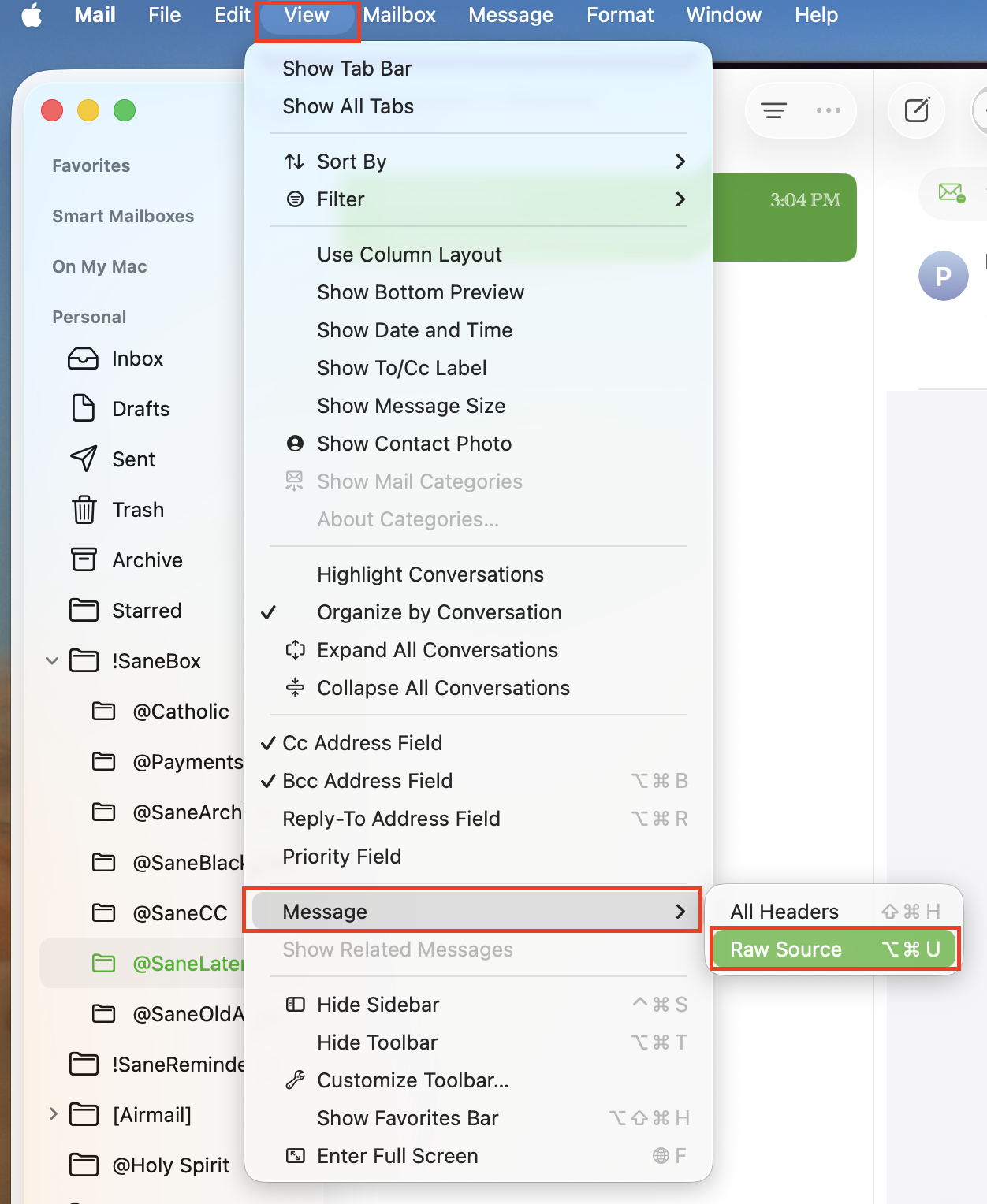
Apple Mail: View > Message > Raw Source
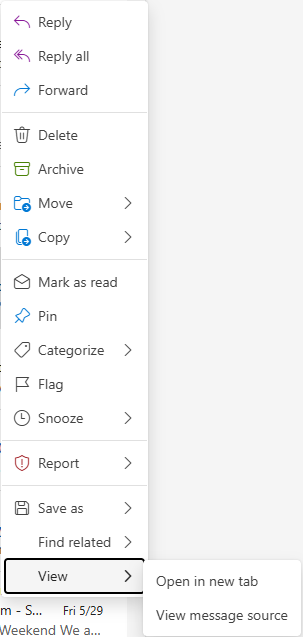
New Outlook: Right Click > View > View Message Source
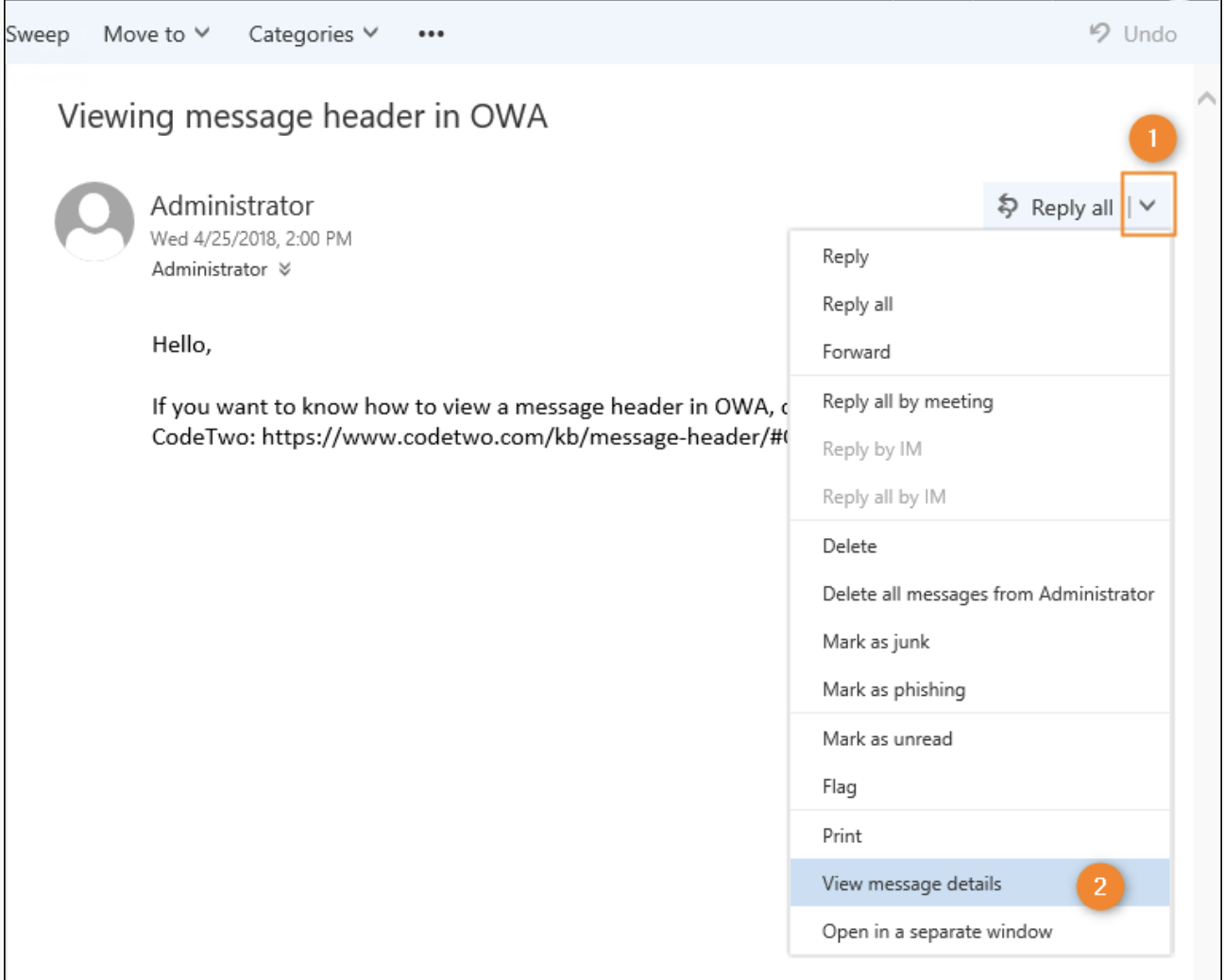
Outlook Web Access (OWA): Open the email in OWA. On the right side of the reading pane > View message details
Outlook (Mac):
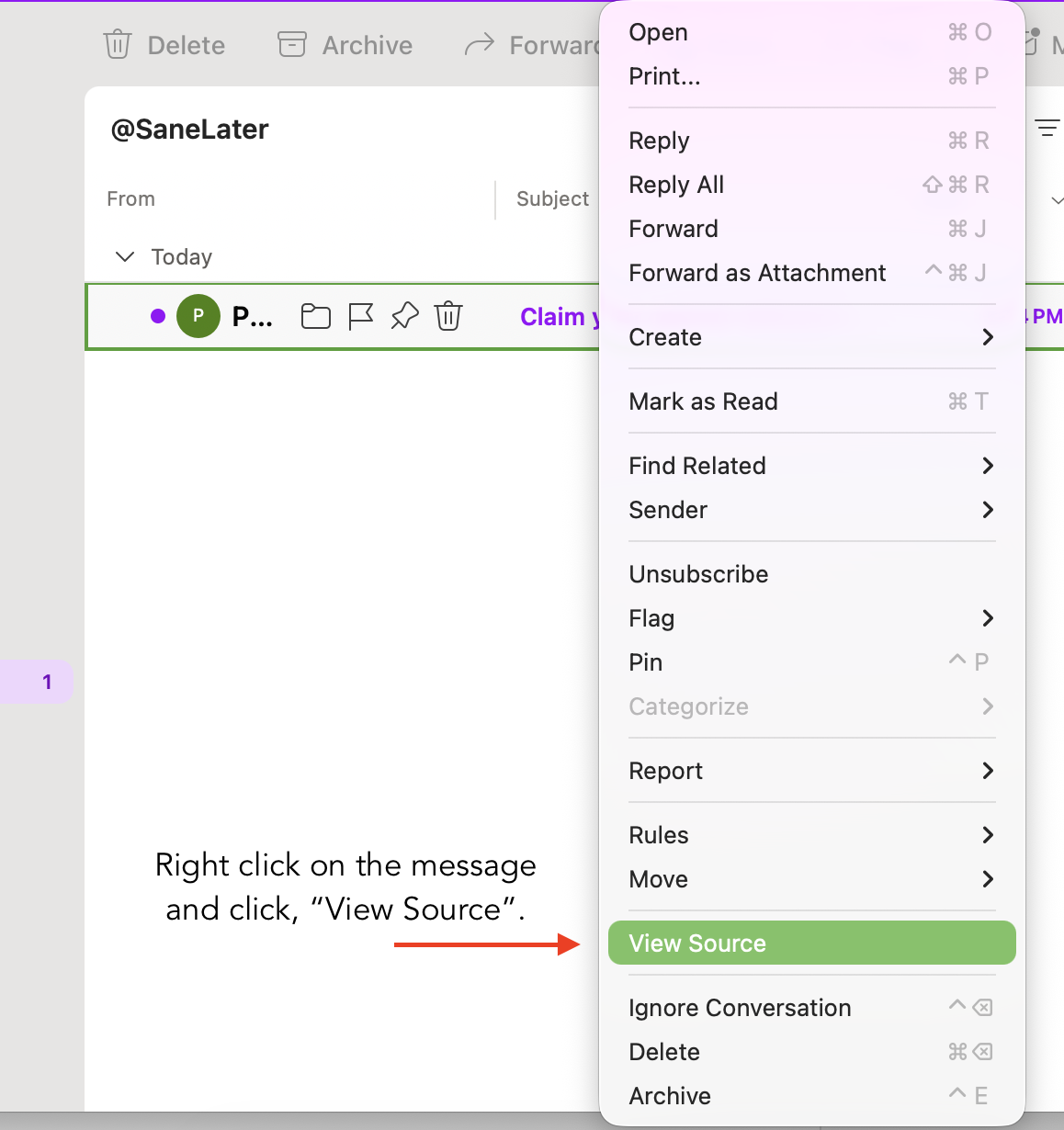
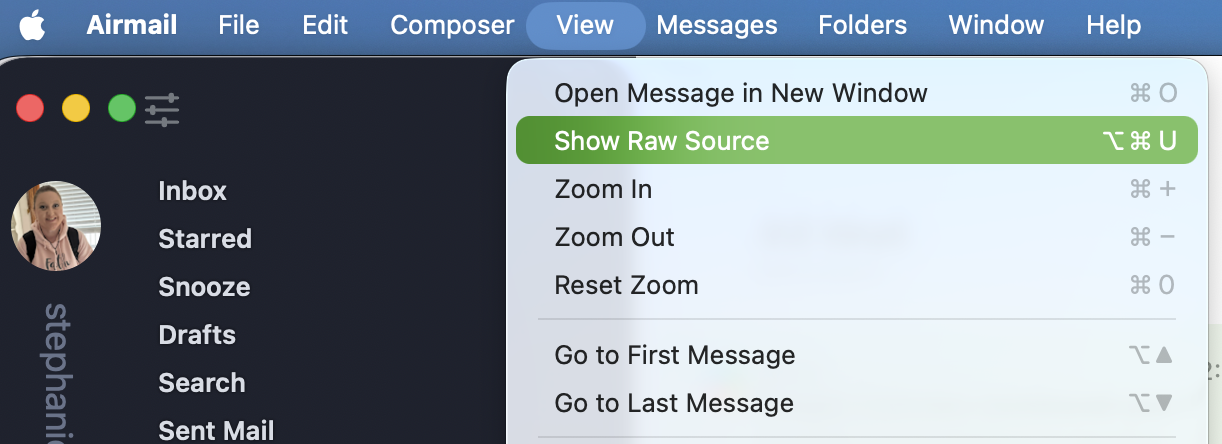
AirMail (Mac): View Menu > Show Raw Source
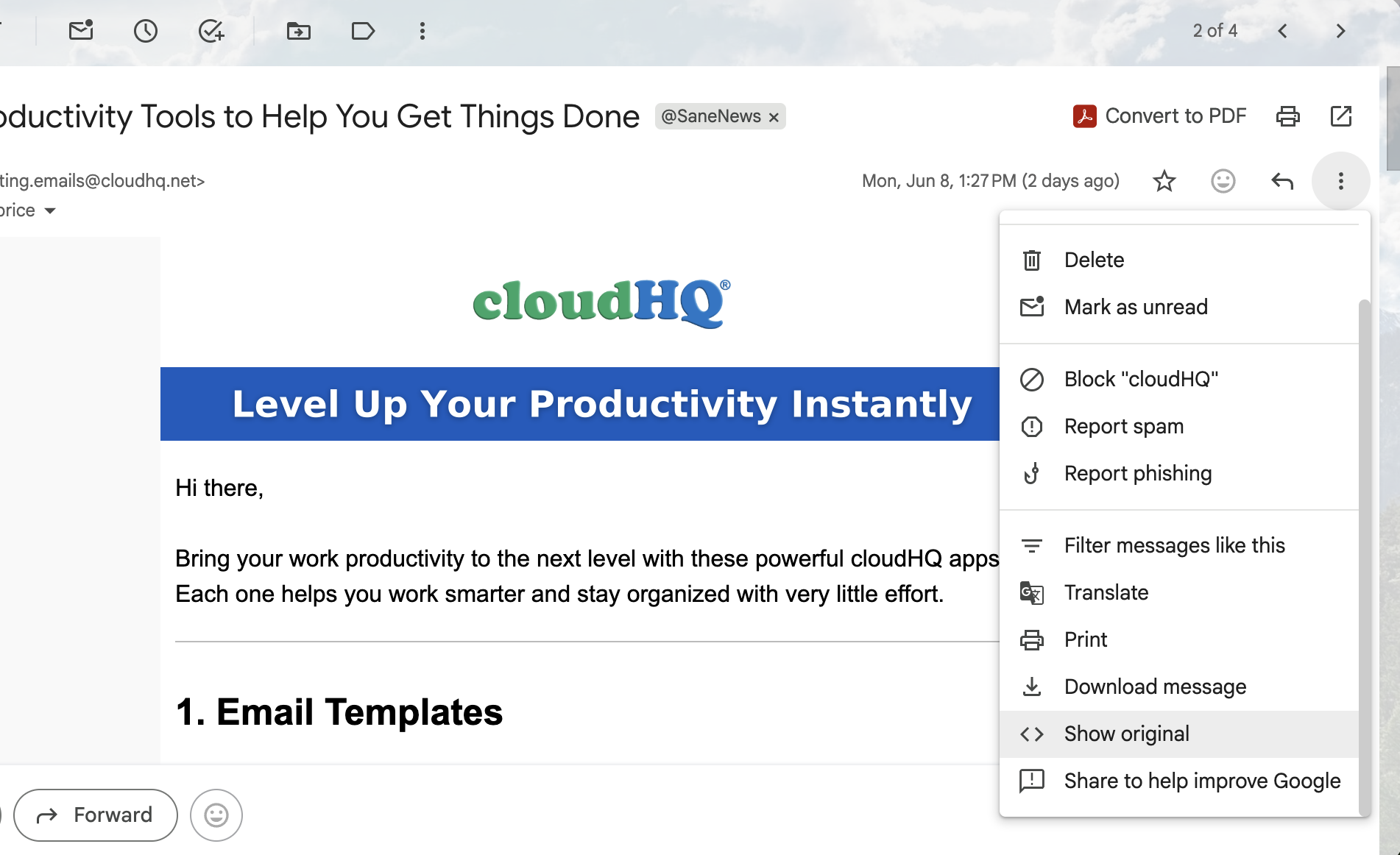
Gmail (web): Click three dots > Show Original
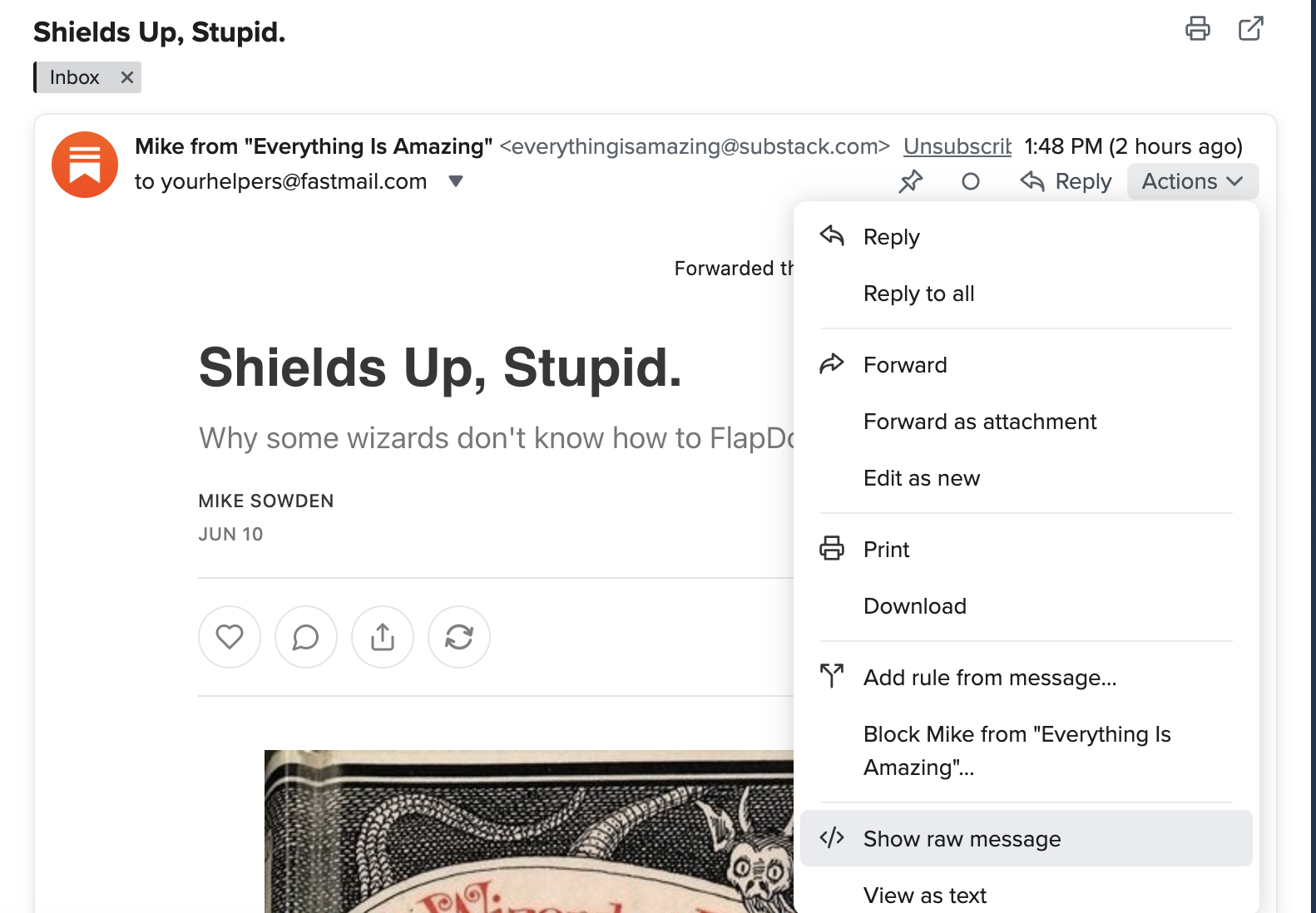
FastMail (web): Actions > Show Raw Message
Yahoo Mail: Click on an email to open it. > More icon > select View Raw Message.
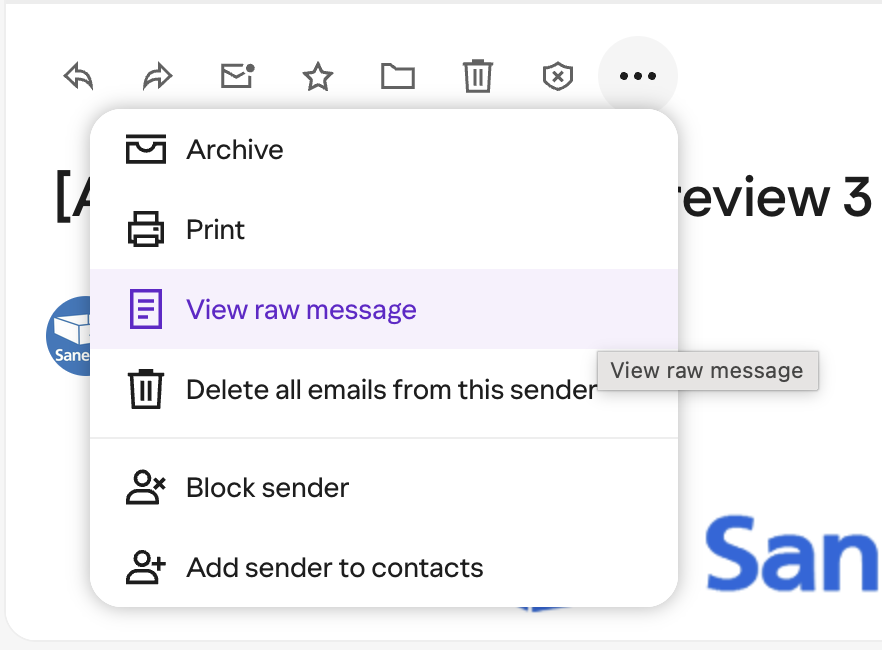
AOL: Click on an email to open it. > More icon > select View Raw Message.
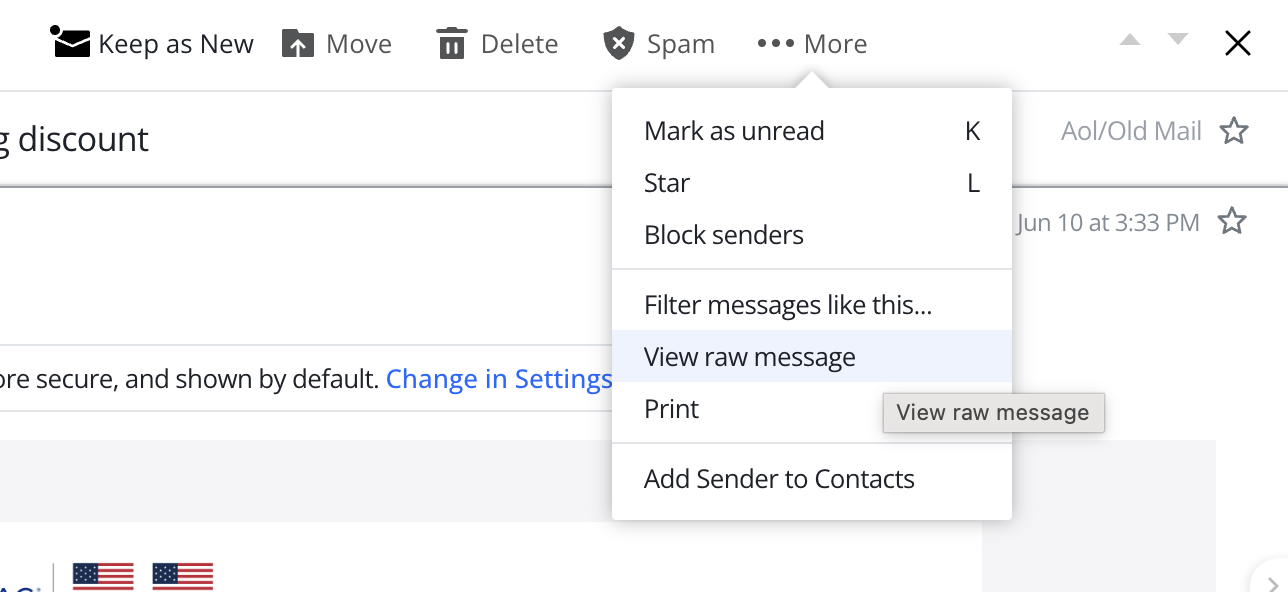
Time Warner/Roadrunner/Spectrum: Right-click on the message subject > Select View Source.
What to Look For:
The most important part of a full email header looks something like this:
Date: Wed, 10 Jun 2026 13:27:29 +0000 (UTC)
From: IFTTT <mail@ifttt.com>
Message-ID: <6a29664194a23_113330244294be@ife-one-off-6b4d6f4c4b-dftlp.mail>
Subject: The top 20 Applets of 2026, so far =?UTF-8?B?8J+agA==?=
MIME-Version: 1.0
Reply-To: IFTTT <mail@ifttt.com>
Need Help?
You can also download the email and attach it to the support request.
Definitely reach out to us if you run into any issues!
By including full headers, you’ll help us resolve your issue faster!